Here's a breakdown of the locked property renewal process:
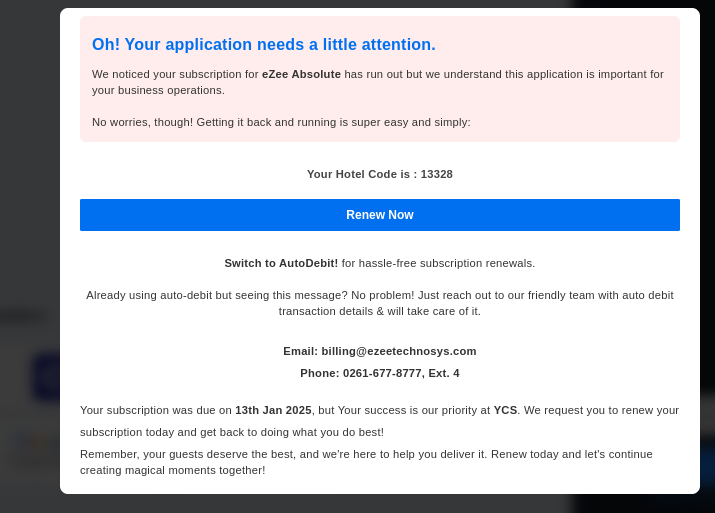
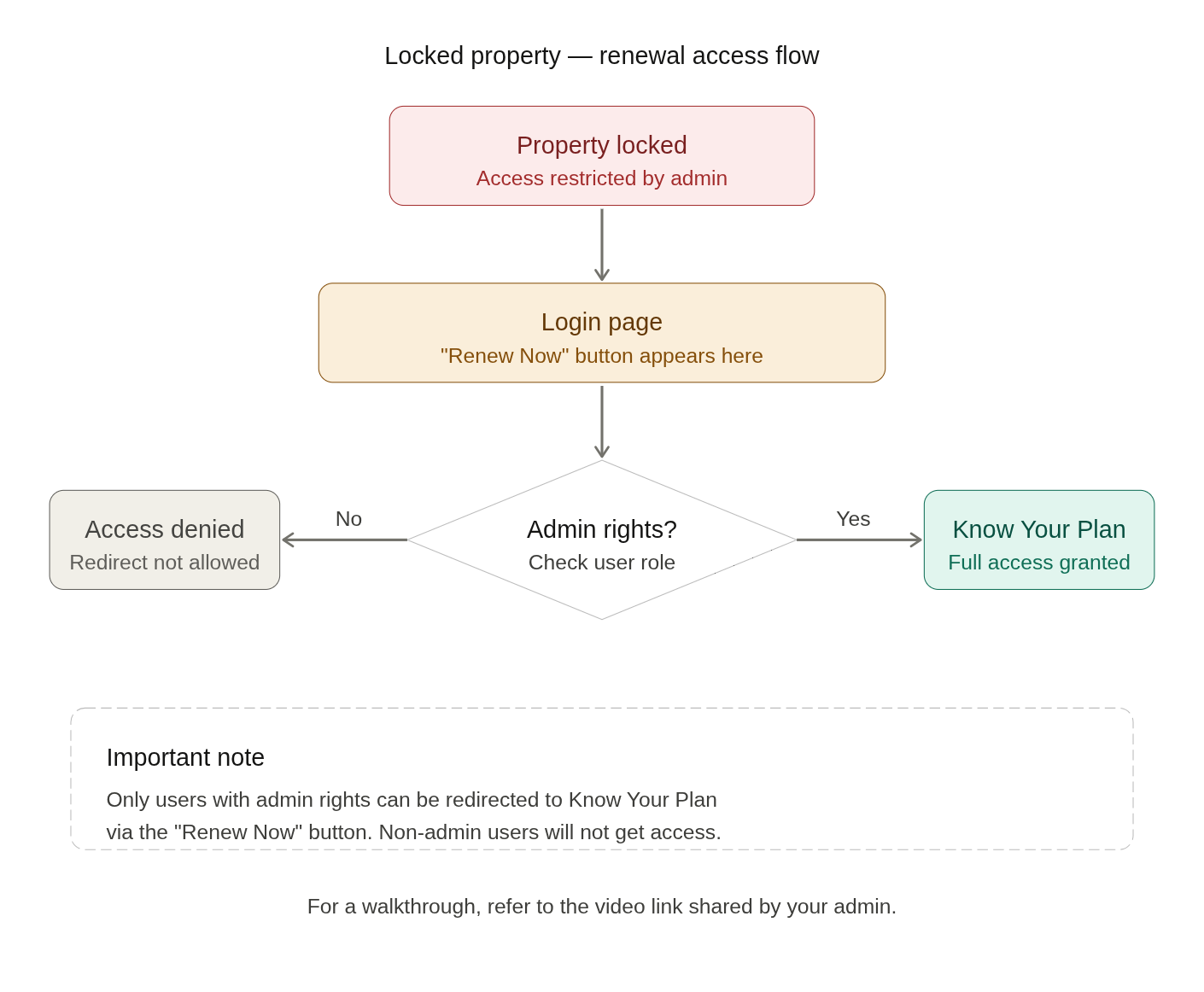
When a property gets locked, the login page displays a "Renew Now" button — this is the entry point for regaining access.
Clicking "Renew Now" redirects the user to the Know Your Plan page, but only if they have admin rights. Non-admin users will not be redirected.
Key point to remember: Admin access is a prerequisite — without it, the renewal redirect will not work.
For a visual walkthrough of this process, refer to the video link shared alongside this guide. Let me know if you'd like to add more steps or expand on any part of this
Refer video Link
Was this article helpful?
That’s Great!
Thank you for your feedback
Sorry! We couldn't be helpful
Thank you for your feedback
Feedback sent
We appreciate your effort and will try to fix the article